 SolarSavings
An application rejection from your local DISCOM can derail your solar installation. However, most rejections are not permanent and can be corrected within the portal's edit window.
When you submit your application on the National Rooftop Solar portal, your details are sent to your local electricity distribution company (DISCOM) for audit. If their field officers find administrative mismatches or technical limitations on your local grid, they will mark your application as rejected or queried. This guide compiles the most common rejection error codes, explains why they occur, and details exactly how to fix them so you can secure your technical feasibility and claim your DBT subsidy.
⚠️ The Correction Window Time Limit
When your application status is marked as "Queried" or "Rejected with Remarks," you have exactly **15 days** to upload the corrected documents or submit the corrected data on the portal. Failing to do so within this period will result in your application being permanently archived, forcing you to begin the registration process from scratch.
1. Top 5 Reasons DISCOMs Reject Solar Applications
The majority of rejections fall into two clear categories: **administrative errors** (typos and document mismatches) and **technical constraints** (electrical load issues).
2. The PM Surya Ghar Rejection Troubleshooting Reference
Use this troubleshooting reference table to map the status remarks shown on your portal dashboard to the exact fix required:
| DISCOM Remark | Why It Happened | How to Fix It |
|---|---|---|
| Name Mismatch on Bill | The name entered during your portal registration does not match the name printed on your electricity bill exactly. | Upload corrected electricity bill or ID card. |
| Transformer Load Exceeded | Your neighborhood distribution transformer is overloaded and cannot support additional solar power injection. | Reduce system kW capacity or request grid upgrade. |
| Sanctioned Load Exceeded | The proposed solar system size (kW) is larger than the sanctioned load capacity of your residential electricity connection. | Apply for a load enhancement online first. |
| Invalid Bank Account / DBT Bounced | Your bank account name does not match your application name, the account is inactive, or it is not seeded with Aadhaar. | Update portal bank profile with active savings account. |
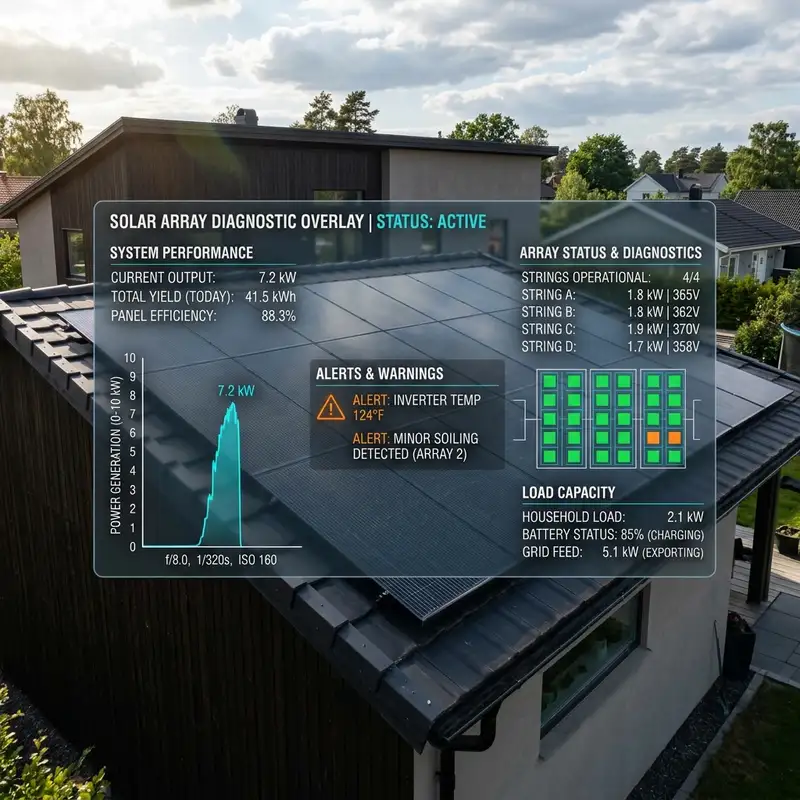
A technical illustration mapping grid capacity diagnostic warnings, transformer load caps, and phase configuration checks.
3. How to Fix Administrative Rejections
Resolving Name Mismatches
This is the most common reason for rejection. If the electricity bill is registered under your father's or spouse's name, but you registered on the portal using your own name, the DISCOM will reject the feasibility check.
To fix this, you must edit your profile to match the electricity bill name exactly. If the property owner has passed away and the bill is still in their name, you must first apply for a name transfer at your local DISCOM office before submitting your solar application.
Correcting Meter Phase and Category Errors
If your home is connected via a single-phase line, but you applied for a 5kW solar system, your application will be flagged. Single-phase connections in most states are limited to a maximum solar capacity of 3kW. If you want to install a system larger than 3kW, you must submit a "phase change request" on your DISCOM portal to upgrade your connection to three-phase before re-submitting your solar application.
You can estimate the correct solar plant capacity and project costs based on your current sanctioned connection using our live Solar Subsidy Calculator on the homepage.
4. Solving Technical Rejections: Transformer capacity & Sanctioned Load
Technical rejections require coordination with your selected empanelled installer. Do not try to resolve these alone.
How to Handle "Transformer Load Cap Exceeded"
Under Indian utility guidelines, the solar injection capacity on any local transformer is capped. If your neighborhood has high solar adoption, the capacity may be full. Your options include:
- System Sizing Reduction: If you applied for a 5kW system but the local line has only 2kW of capacity left, modify your application to a 2kW system. This will get approved immediately.
- Joint Appeal: Work with your empanelled vendor to submit a collective appeal to the DISCOM's sub-divisional office for a transformer capacity upgrade.
Applying for a Sanctioned Load Enhancement
By law, your solar system capacity (kW) cannot exceed your home's sanctioned load (kW). If your electricity bill shows a sanctioned load of 2kW, and you want to install a 3kW system:
- Log into your local DISCOM's consumer portal.
- Find the section for "Apply for Load Enhancement."
- Submit your request to increase your sanctioned load from 2kW to 3kW. In many states, this is approved automatically within 48 hours without any physical meter changes.
- Once the new load is updated in your monthly bill ledger, go to the National Solar Portal and submit your 3kW feasibility application.
5. Frequently Asked Questions
Here are answers to the most common troubleshooting queries: